Time for your
next stitch.
Favourite images become stitching patterns. Ideas become finished pieces. Everything in one place, at your own pace. Deine Arbeiten werden automatisch in der Datenbank gespeichert.

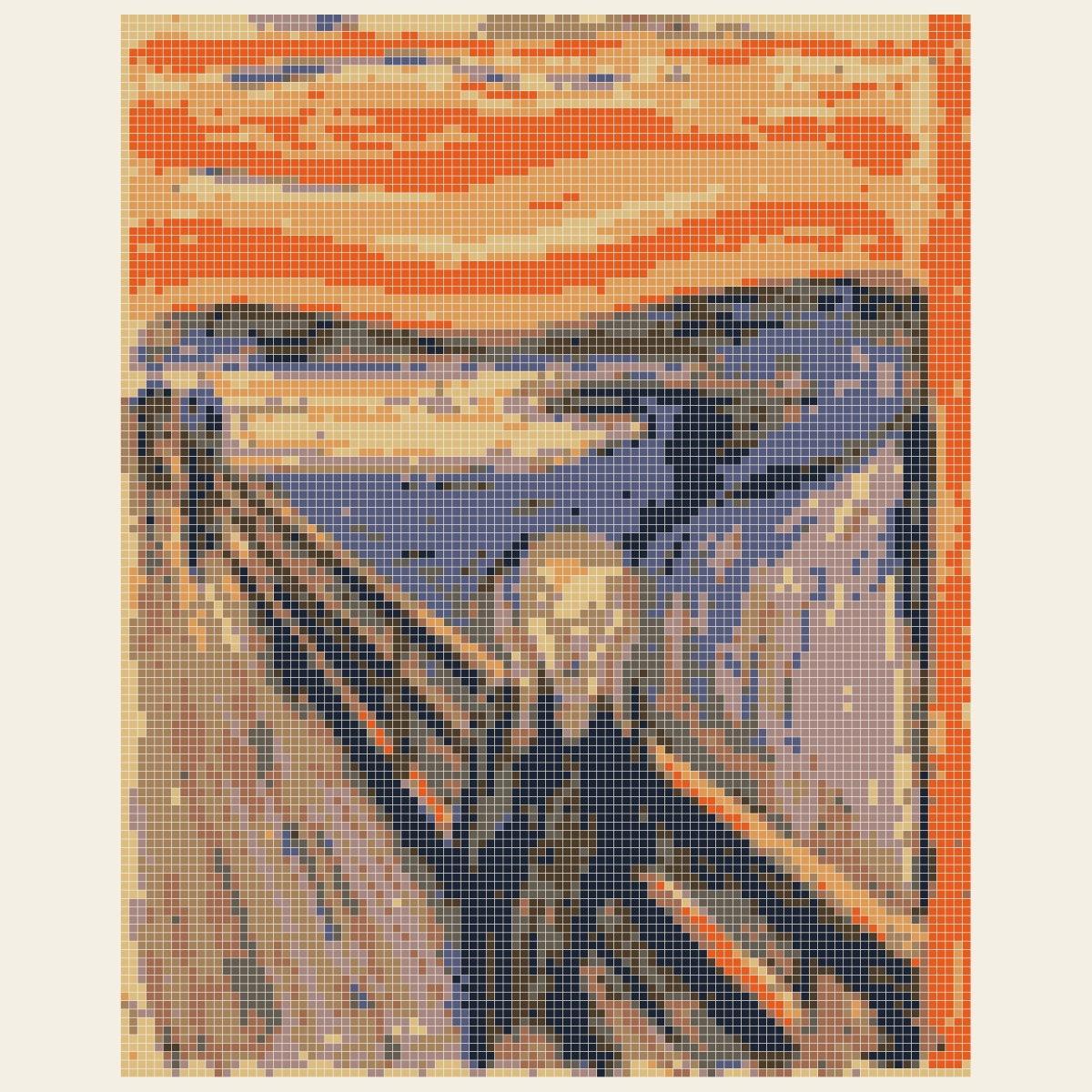
Cross-stitch pattern “The Scream” after Edvard Munch: 3 sizes from 100 × 125 to 500 × 623 stitches, difficulty Intermediate. View for free, print as PDF and stitch in your browser.
Edvard Munch’s "The Scream" is one of the most iconic masterpieces of Expressionism, capturing the profound existential dread and anxiety of the modern human experience. The painting depicts a haunting figure on a bridge clutching its face in horror against a dramatic, swirling orange-red sky. Munch was inspired to paint it after a personal experience where he felt an "infinite scream passing through nature."
Startseite · Patterns · Thread colours · Studio · Glossary · Sitemap
Favourite images become stitching patterns. Ideas become finished pieces. Everything in one place, at your own pace. Deine Arbeiten werden automatisch in der Datenbank gespeichert.
Choose your image and the width in stitches. Image colours are converted into a stitch chart with thread colours locally in your browser.
Crop, rotate, resize, adjust filters or remove the background before converting the image.
Off by default: every required thread colour is kept (recommended).
Drag the frame to select the area you want, then confirm.
Rotates the image in 90° steps.
Activate the tool, then click the background in the image. Connected areas of a similar colour become transparent. Click again to remove more areas.
Show the community your avatar, studio logo or favourite embroidery.
When enabled, other stitchers can see your displayed projects, shared patterns and community profile.
Your account will be permanently deleted. This cannot be undone. The following will be removed:
Tip: back up important patterns as .stitch files or PDFs first.
Your thread colour library. Browse each thread number and search by code, name, brand or HEX.
| Colour | Brand | Thread code | Colour name | HEX |
|---|
Screen colours are a guide. Use a physical colour card when choosing thread.
Save your project with completed and parked stitches, notes and colour choices to your account, or export a backup (.stitch) to your computer.
Choose a base colour and merge similar shades, or deselect individual colours.
Klicke zuerst eine Farbe als Grundfarbe an. Klicke danach auf weitere Farben zum Merge.